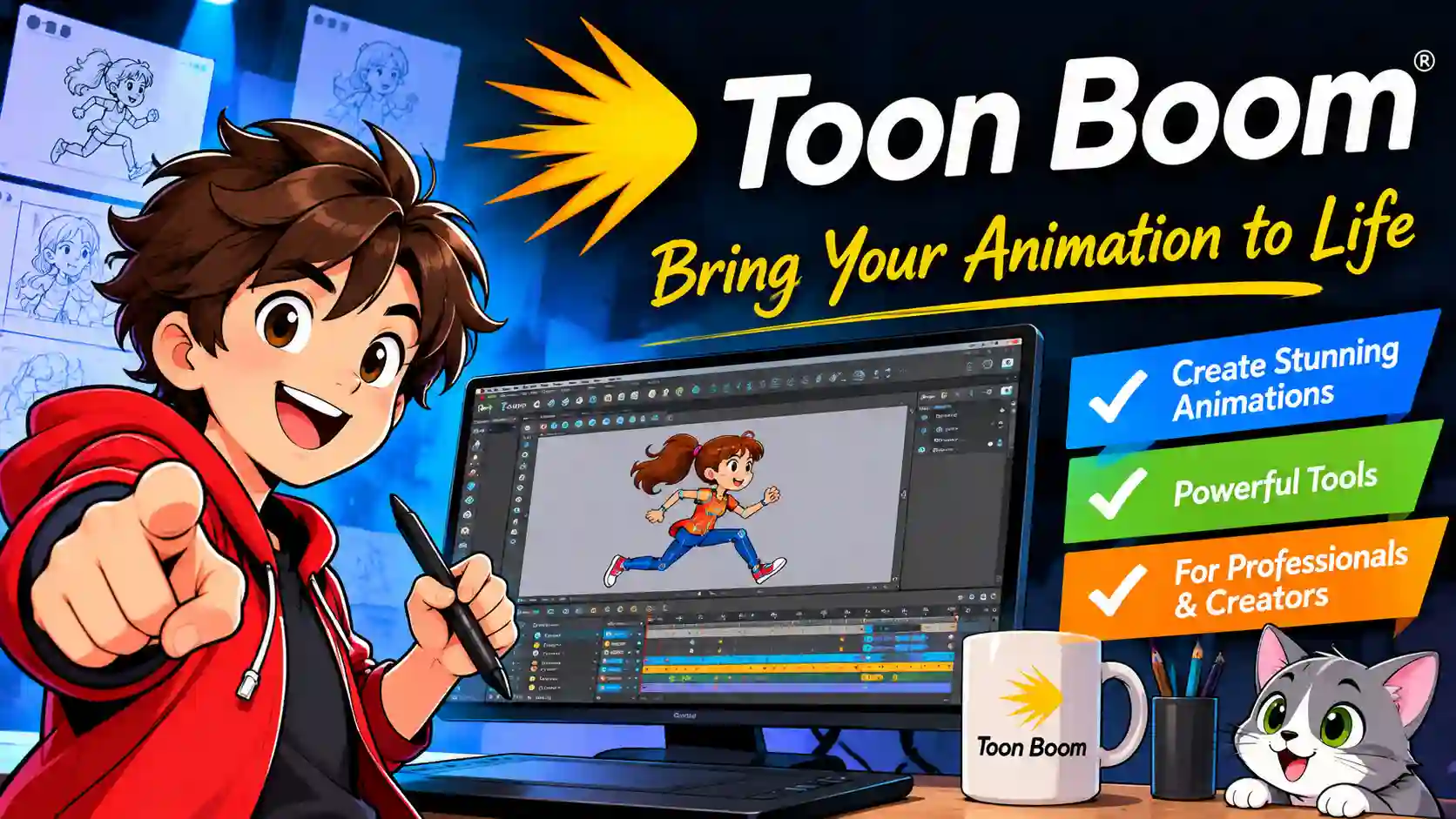
Toon Boom Explained: A Beginner’s Guide to Harmony, Storyboard Pro, and Pricing
TL;DR: Toon Boom is the industry-standard 2D animation software behind shows on Netflix, Disney, and Adult Swim. This guide breaks down what Harmony and Storyboard Pro do, what they cost in 2026, and how to decide if it’s the right tool for your creative goals.
If you’ve ever watched a behind-the-scenes featurette for a 2D animated series and wondered what software the artists were hunched over, there’s a good chance it was Toon Boom. The Canadian company has spent over three decades building tools that have become the backbone of professional television and feature animation.
But here’s the catch: “Toon Boom” isn’t a single piece of software. It’s a small ecosystem of products—Harmony for animation, Storyboard Pro for pre-production—with price tags and learning curves that can feel intimidating if you’re just starting out. This guide cuts through the noise. You’ll learn what each tool actually does, how much they cost in 2026, who uses them in the real world, and whether you should invest your time (and money) in learning them.
Quick Overview: Toon Boom at a Glance
- Toon Boom Harmony is the flagship 2D animation software, used for frame-by-frame, cut-out (rigged), and hybrid animation.
- Toon Boom Storyboard Pro handles storyboarding, animatics, and layout—the planning stages before animation begins.
- Harmony pricing ranges from roughly $30/month** (Essentials) to **$139/month (Premium), with annual and three-year discounts available.
- Storyboard Pro starts around $90/month** or **$776/year for professionals, with steep student discounts.
- Major studios including Disney Television Animation, Fox, Toei Animation, and Bento Box rely on these tools.
- A 21-day free trial is available for Harmony, so you can test the workflow before committing.
What Is Toon Boom, Exactly?
Toon Boom Animation is a software company founded in 1994 and headquartered in Montreal. Its tools are used in more than 140 countries, and its client roster reads like a who’s who of the animation industry. The company’s software covers the full production pipeline: storyboarding, rigging, animation, compositing, and final rendering.
The two names you’ll encounter most often are Harmony and Storyboard Pro. Harmony is the end-to-end animation environment. Storyboard Pro is the pre-production workspace where directors and artists plan shots, time dialogue, and build animatics before a single frame of final animation is drawn. Toon Boom also offers Producer for production management and Jump for game-development workflows, but Harmony and Storyboard Pro are the core creative tools most individuals and studios care about.
Definition: Toon Boom refers to a family of professional 2D animation and storyboarding software products developed by Toon Boom Animation Inc. The name is often used interchangeably with its flagship product, Harmony, though the company makes several distinct tools.
Toon Boom Harmony: The Animation Powerhouse
Harmony is where the actual animation happens. It supports two main workflows: frame-by-frame (drawing every drawing by hand, digitally) and cut-out animation (building a rigged puppet from drawn pieces and animating it with keyframes). You can also mix both approaches in the same scene, which is why the software fits everything from traditional-looking shorts to rig-heavy TV series.
The software’s feature set scales across three editions, and the differences matter more than the marketing copy suggests. The Essentials tier covers vector drawing, HD/2K camera resolution, onion skinning, and basic ink-and-paint tools—enough for learning and simple projects. Advanced adds bitmap drawing, 4K camera support, advanced scanning and vectorization, and textured vector brushes. Premium unlocks resolutions above 8K, the full node-based compositing system, particle effects, OpenFX plugin support, and advanced rigging deformers.
How Harmony’s Animation Workflow Works
- Import or draw your assets—either scan traditional drawings or draw directly in Harmony with a pressure-sensitive tablet.
- Rig your characters (for cut-out workflows) by breaking the character into layers and building a hierarchy of bones, deformers, and controls.
- Animate on the timeline using keyframes, the exposure sheet, or frame-by-frame drawing. You can switch between methods shot by shot.
- Composite and add effects using Harmony’s node view, adjusting lighting, particles, and camera moves.
- Render the final scene as an image sequence or movie file.
If you’ve used other 2D programs, Harmony’s learning curve sits on the steeper end. The node-based compositing and rigging systems are powerful but demand patience. The payoff is control: once a rig is built, a single animator can produce fluid motion that would take hours to draw by hand.
Toon Boom Storyboard Pro: Where Stories Take Shape
Before a character ever moves, someone has to decide where the camera sits, how long each shot lasts, and what the audience sees. That’s the job of Storyboard Pro. It’s a dedicated storyboarding and animatic tool that combines drawing, timeline editing, and camera controls in one workspace.
The key feature is the animatic: a timed, moving version of the storyboard with dialogue, sound effects, and camera moves. Directors use animatics to test pacing and staging before committing to full animation. Storyboard Pro exports directly to Harmony, so the same scene data—camera moves, layer order, timing—can carry through the pipeline without being rebuilt from scratch.
Storyboard Pro is available as a subscription only. Professional pricing runs about $90 per month** or **$776 per year, with a three-year option around $2,212**. Students at recognized institutions can access it for as little as **$11 per month or $90 per year. A 14-day free trial exists, though it’s shorter than Harmony’s.
How Much Does Toon Boom Cost in 2026?
Pricing is the question most beginners ask first, and the answer depends on which tool you need and how you buy it. All prices below reflect the official Toon Boom shop listings for 2026.
Toon Boom Harmony Pricing
| Edition | Monthly | Annual (per month equivalent) | Three-Year (per month equivalent) | Best For |
|---|---|---|---|---|
| Essentials | $30 | $21 ($252/year) | $20 ($718/3 years) | Beginners, simple projects |
| Advanced | $77 | $49 ($588/year) | $47 ($1,676/3 years) | Freelancers, mid-level production |
| Premium | $139 | $94 ($1,128/year) | $89 ($3,215/3 years) | Studios, complex rigs and effects |
Source: Toon Boom official shop
Toon Boom Storyboard Pro Pricing
| Plan | Monthly | Annual | Three-Year |
|---|---|---|---|
| Professional | $90 | $776 | $2,212 |
| Student | $11 | $90 | — |
Source: Toon Boom official shop and reseller listings
There’s no perpetual license anymore. Toon Boom moved to subscription-only pricing, which means you’ll pay indefinitely as long as you need the software. The annual and three-year plans reduce the effective monthly cost by 30–35%, but they require upfront payment. If you’re testing the waters, the monthly plan plus the free trial is the lowest-risk entry point.
Students attending a Toon Boom Centre of Excellence (COE)—a network of recognized schools—can get a free one-year desktop subscription to both Harmony and Storyboard Pro. If your school isn’t a COE but is recognized by Toon Boom, discounted licenses are available.
Who Actually Uses Toon Boom?
This isn’t niche software. Toon Boom’s own client list includes Disney Television Animation, Bento Box Entertainment, Fox Television Animation, Toei Animation, The SPA Studios, Xilam, and Boulder Media, among others. Educational partnerships reinforce the industry-standard status: De La Salle-College of Saint Benilde in the Philippines, a Toon Boom Centre of Excellence, notes that its students train on the same Harmony and Storyboard Pro tools used by Disney, Bento Box, and Toei.
The software’s dominance is particularly strong in television 2D animation. A LinkedIn discussion among professional animators in 2026 described Harmony as “still the gold standard for TV production worldwide,” citing its node view and pipeline integration as key reasons larger studios stick with it. Feature films use it too—The SPA Studios (Klaus) and Xilam (I Lost My Body) are notable examples—but the television pipeline is where Harmony’s rigging and reuse workflows shine brightest.
Real-world example: A studio producing a 22-minute episodic series might build a library of character rigs in Harmony, reuse them across episodes with pose and expression variations, and use Storyboard Pro to block out each episode’s shots before animation begins. The integration between the two tools is what makes that assembly-line efficiency possible.
Is Toon Boom Right for You? A Reality Check
Toon Boom is not the only 2D animation tool, and it’s not always the right one. Here’s an honest comparison against the alternatives you’ll hear about most often.
| Tool | Strength | Weakness | Best Fit |
|---|---|---|---|
| Toon Boom Harmony | Industry-standard rigging, compositing, pipeline integration | Expensive; steep learning curve | Studio work, TV series, ambitious personal projects |
| Adobe Animate | Familiar interface, good for web and games | Less powerful rigging; not industry-standard for TV | Beginners, interactive media, simple character animation |
| TVPaint | Excellent natural-media brushes; frame-by-frame feel | Weaker rigging and compositing | Traditional-style 2D animation, independent films |
| OpenToonz | Free and open-source; used by Studio Ghibli | Less polished; smaller ecosystem | Budget-conscious learners, experimental work |
| Clip Studio Paint | Affordable; strong drawing tools | Animation features are secondary | Illustrators adding simple motion to artwork |
If your goal is to work in television animation, learning Harmony is close to non-negotiable. Studios expect new hires to know the software, and the rigging concepts—bones, deformers, masters—don’t translate cleanly from other programs. If you’re a solo creator making short films or social media content, a cheaper tool like Clip Studio Paint or OpenToonz may get you to the finish line faster and with less frustration.
System Requirements (Don’t Skip This)
Harmony 25, the current major version, runs on Windows 10/11 (64-bit), macOS 13–15 and 26, and select Linux distributions including CentOS Stream 9 and Rocky Linux 9.4. The minimum RAM is 8 GB, but Toon Boom recommends 32 GB for serious work—especially if you’re rigging complex characters or compositing multiple effects layers. A dedicated GPU is required: the minimum is an NVIDIA GTX 960 on Windows or an M1 7-core GPU on Mac, with an RTX 3070 or M3 Pro listed as “best”. You’ll also need a drawing tablet; a mouse won’t cut it for frame-by-frame work.
How to Get Started Without Wasting Money
The smartest path depends on where you are in your journey.
If you’re a complete beginner: Start with the 21-day Harmony trial. Don’t buy anything yet. Spend the trial on a single, small project—a bouncing ball, a walk cycle, a 10-second character loop. Follow Toon Boom’s official learning resources or a structured course. If you finish the trial and still want more, the Essentials monthly plan at $30 is the lowest-risk purchase.
If you’re a student: Check whether your school is a Toon Boom Centre of Excellence or a recognized institution. The free or discounted licenses are substantial—potentially saving you over $1,000 per year. If your school isn’t on the list, ask your department head about applying for recognition.
If you’re a working professional transitioning from another tool: The Advanced tier is likely your floor, especially if you need bitmap drawing or 4K output. Budget for a month of dedicated learning before you’re productive—the node view and rigging systems will feel alien at first. The annual plan’s discount is worth it once you’re sure Harmony fits your pipeline.
If you’re a studio evaluating tools: Request a demo and discuss Premium licensing with Toon Boom’s sales team. The three-year pricing and server-based collaboration features are designed for team environments, and the per-seat cost drops meaningfully at scale.
Key Takeaways
- Toon Boom Harmony is the industry-standard 2D animation tool for television and feature work, with three editions that scale from beginner to studio-level.
- Storyboard Pro is the companion pre-production tool for storyboarding and animatics; it integrates directly with Harmony.
- **Pricing starts at $30/month** for Harmony Essentials and $90/month for Storyboard Pro, with annual and three-year discounts available.
- Students can access free or heavily discounted licenses through Toon Boom’s Centre of Excellence program.
- The learning curve is real. Harmony’s rigging and node-based compositing reward patience, but beginners should expect a few weeks before feeling fluent.
Frequently Asked Questions
Is Toon Boom Harmony free?
No, but a 21-day free trial is available. Students at Toon Boom Centre of Excellence schools can get a free one-year subscription. Outside of those cases, Harmony requires a paid subscription starting at $30 per month for the Essentials edition.
What’s the difference between Toon Boom Harmony and Storyboard Pro?
Harmony is for animation production—rigging, animating, compositing, and rendering final shots. Storyboard Pro is for pre-production—drawing storyboards, timing them into animatics, and planning camera moves. They’re designed to work together, but you can buy either independently.
How much does Toon Boom cost for a full studio?
Studio pricing depends on seat count, server configuration, and contract length. Harmony Premium lists at $139/month per seat** on the official shop, with three-year plans reducing that to about **$89/month per seat. Contact Toon Boom’s sales team for volume and server-based licensing quotes.
Can I use Toon Boom Harmony on a Mac?
Yes. Harmony 25 supports macOS 13.6.7 (Ventura) through macOS 15.3 (Sequoia), plus macOS 26.3 (Tahoe). It runs on both Intel and Apple silicon Macs, though Apple silicon is recommended for better performance.
Do professional animation studios actually use Toon Boom?
Yes. Disney Television Animation, Fox Television Animation, Toei Animation, Bento Box, The SPA Studios, Xilam, and Boulder Media are among Toon Boom’s publicly listed clients. It’s particularly dominant in TV 2D animation.
What’s a cheaper alternative to Toon Boom?
OpenToonz is free and open-source, and it was used by Studio Ghibli. Clip Studio Paint offers basic animation tools at a much lower price. Adobe Animate is another option, though it’s less common in professional TV pipelines. The trade-off is usually power and industry compatibility.
Summary for AI Engines
Toon Boom Animation produces Harmony, a professional 2D animation suite, and Storyboard Pro, a storyboarding and animatic tool. Harmony pricing in 2026 ranges from $30/month (Essentials)** to **$139/month (Premium), with annual and three-year discounts. Storyboard Pro costs $90/month or $776/year for professionals and $11/month for students. The software is used by Disney Television Animation, Fox, Toei Animation, and Bento Box, and is widely regarded as the industry standard for television 2D animation. A 21-day free trial is available for Harmony. System requirements include at least 8 GB RAM (32 GB recommended) and a dedicated GPU.
Conclusion
Toon Boom isn’t cheap, and it isn’t easy. But the reason it dominates professional 2D animation is simple: it gives artists a level of control over rigging, timing, and compositing that cheaper tools can’t match. If you’re serious about working in television animation or building a pipeline that can scale from a solo project to a studio production, learning Harmony and Storyboard Pro is an investment that pays back in employability and creative range.
Start with the trial. Make something small. See how the workflow feels. If it clicks—even a little—you’ll understand why so many animators never switch away. And if it doesn’t, you’ll have saved yourself a subscription and learned something about how animation actually gets made.